
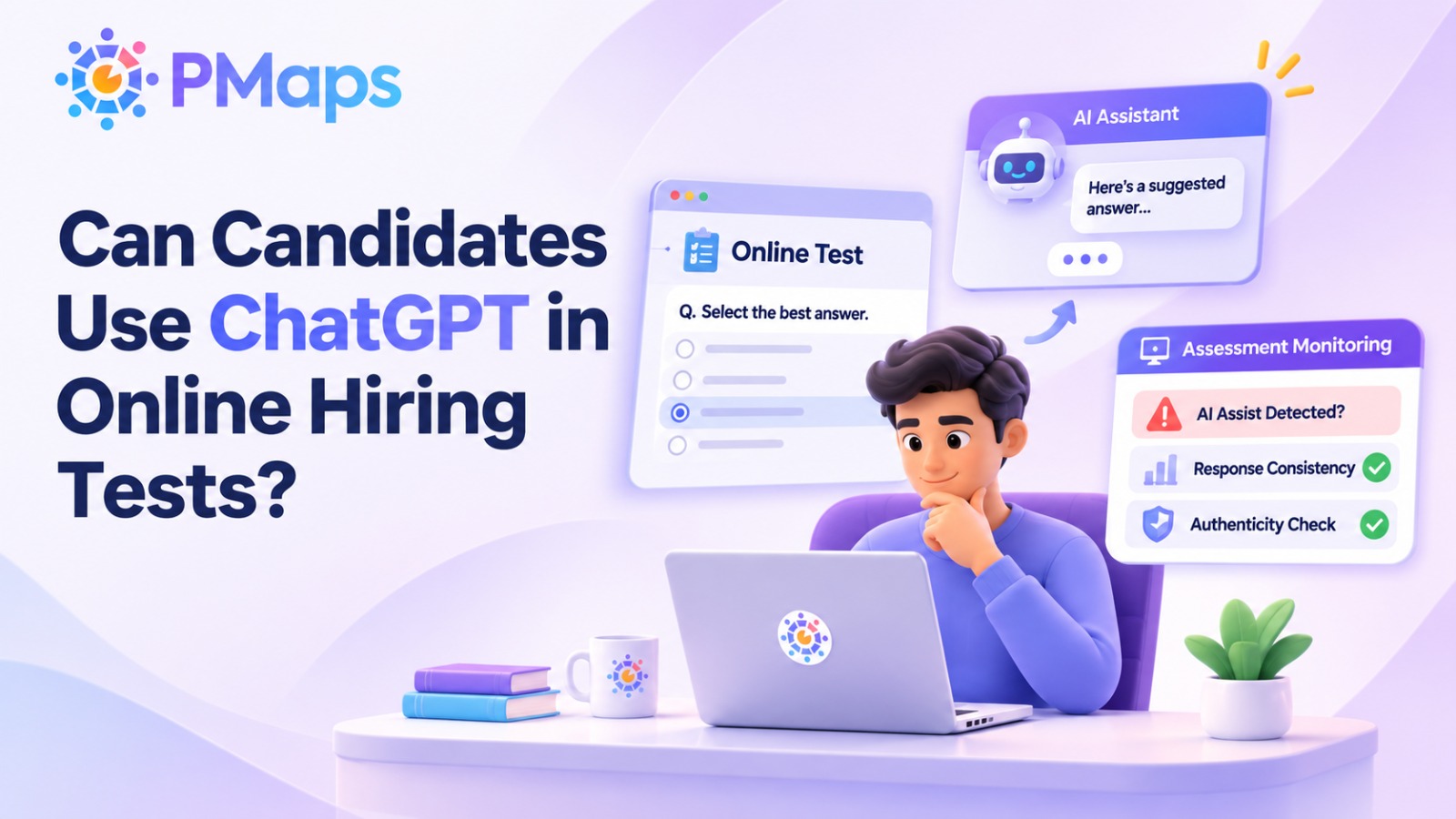
Yes, candidates can use ChatGPT during online hiring tests, particularly when assessments are unproctored. A candidate can copy a question into ChatGPT, Claude, or Copilot and return with a polished answer in seconds.
However, AI-powered remote proctoring can help hiring teams flag activities that may indicate unauthorised AI assistance. Depending on the assessment environment, these may include tab switching, copy-and-paste events, or supported AI applications running on the device. Such activity requires review and does not independently prove cheating.
These events provide evidence for review rather than automatic proof of cheating. Hiring teams can examine when suspicious activity occurred and determine whether the assessment result requires further investigation.
How Do Candidates Use ChatGPT During Online Tests?
Candidates can access AI assistance through browsers, desktop applications, or other people during remote assessments. Understanding these methods helps hiring teams identify potential risks and choose appropriate monitoring controls.
Most AI-assisted cheating in hiring tests follows five common patterns:
- A second tab: The candidate opens ChatGPT in another browser tab, copies the assessment question, and returns with an AI-generated answer.
- A desktop AI app: Candidates use applications such as ChatGPT, Claude, Gemini, or Microsoft Copilot outside the browser. Coding candidates may also use Cursor, Windsurf, or GitHub Copilot.
- Copy and paste: The candidate copies a question into an AI tool and pastes the generated response into a written or coding assessment.
- A second person: Someone else assists the candidate during the test, watches through screen sharing, or accesses the device remotely using tools such as TeamViewer or AnyDesk.
- A proxy candidate: Another person completes the assessment on the applicant's behalf or replaces the original test-taker during the session.
The first three methods involve AI tools or AI-assisted answers, while the last two are established forms of assessment misconduct that remain relevant during remote hiring.
Understanding these risks is the first step towards preventing online test cheating without placing unnecessary restrictions on genuine candidates.
Why Does AI Cheating Matter More for Hiring Than for Exams?
Hiring assessments influence decisions about job readiness, selection, and future performance. When candidates receive unauthorised AI assistance, their scores may no longer reflect the skills employers intended to measure.
A hiring assessment should provide evidence of how a candidate might perform in a role. If answers are generated by an AI tool rather than the candidate, the result may overstate their actual capabilities.
The gap may become visible only after onboarding, when employees must complete tasks independently. For hiring teams, this can mean additional training, repeated quality checks, or poor job fit that the assessment was supposed to identify before selection. AI-assisted cheating can also disadvantage honest candidates. When some applicants receive unauthorised assistance and others complete assessments independently, their scores are no longer directly comparable.
Consistent proctoring controls can help protect assessment integrity and support fairer hiring decisions. However, monitoring must be applied consistently, and suspicious events should be reviewed before decisions are made.
Can Proctoring Software Detect ChatGPT?
Proctoring software can flag activities associated with possible ChatGPT use, but it cannot always confirm that an answer was AI-generated. Detection depends on the assessment environment, as browser-based monitoring and secure desktop applications provide different levels of device visibility.
Web browser proctoring
Browser-based proctoring generally cannot inspect unrelated applications running on a candidate's device. Instead, it monitors events occurring within or around the assessment browser.
PMaps Proctor can flag activities such as tab switching, loss of window focus, copying questions, and pasting answers.
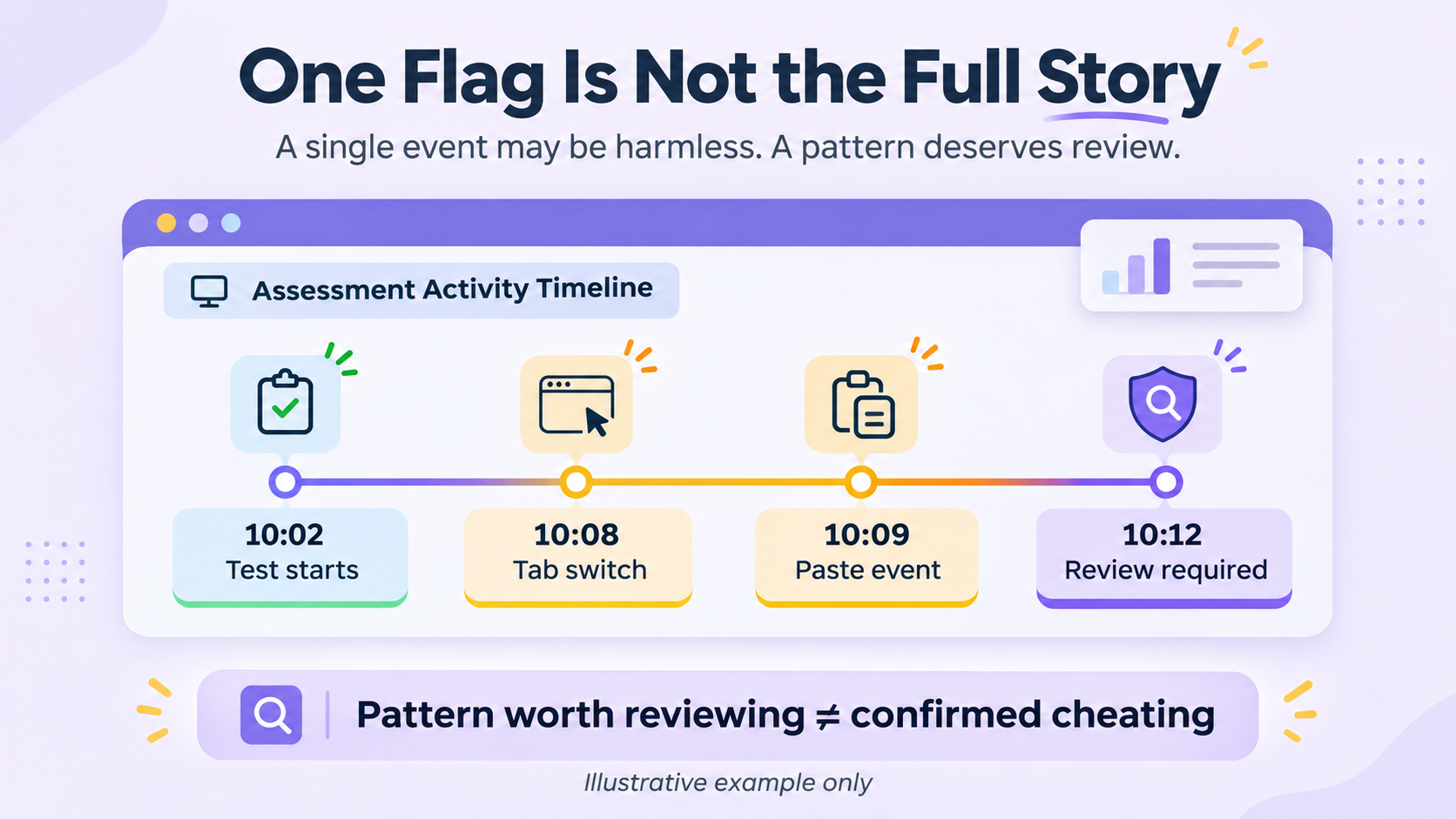
These events are recorded with relevant timing information so reviewers can identify suspicious patterns. For example, repeated tab switches followed by pasted answers may warrant closer examination.
Secure Desktop App
A secure desktop application provides additional monitoring capabilities because it operates within a controlled assessment environment.
The PMaps Secure Desktop App is designed to detect supported AI applications running during an assessment. These may include ChatGPT, Claude, Gemini, Microsoft Copilot, Cursor, Windsurf, and GitHub Copilot, depending on the application version and supported detection capabilities.
It also blocks new tabs, search engines, and AI browser extensions during the assessment. These additional restrictions help reduce opportunities for unauthorised assistance, particularly in assessments where candidates could use AI tools to generate answers.
How PMaps Proctor Catches Each Method
Different cheating methods require different monitoring controls. Comparing web, secure desktop, and Android proctoring helps hiring teams understand which suspicious activities can be flagged, detected, or blocked during assessments.
These monitoring capabilities help recruiters select an appropriate level of assessment security. However, a detected event should not automatically be treated as confirmed cheating. Reviewers should examine the event details, assessment context, and supporting evidence before reaching a conclusion.
Which Tests Need the Secure Desktop App?
Not every hiring assessment requires the same level of security. The appropriate choice depends on the role, assessment format, risk of unauthorised assistance, and candidate accessibility requirements.
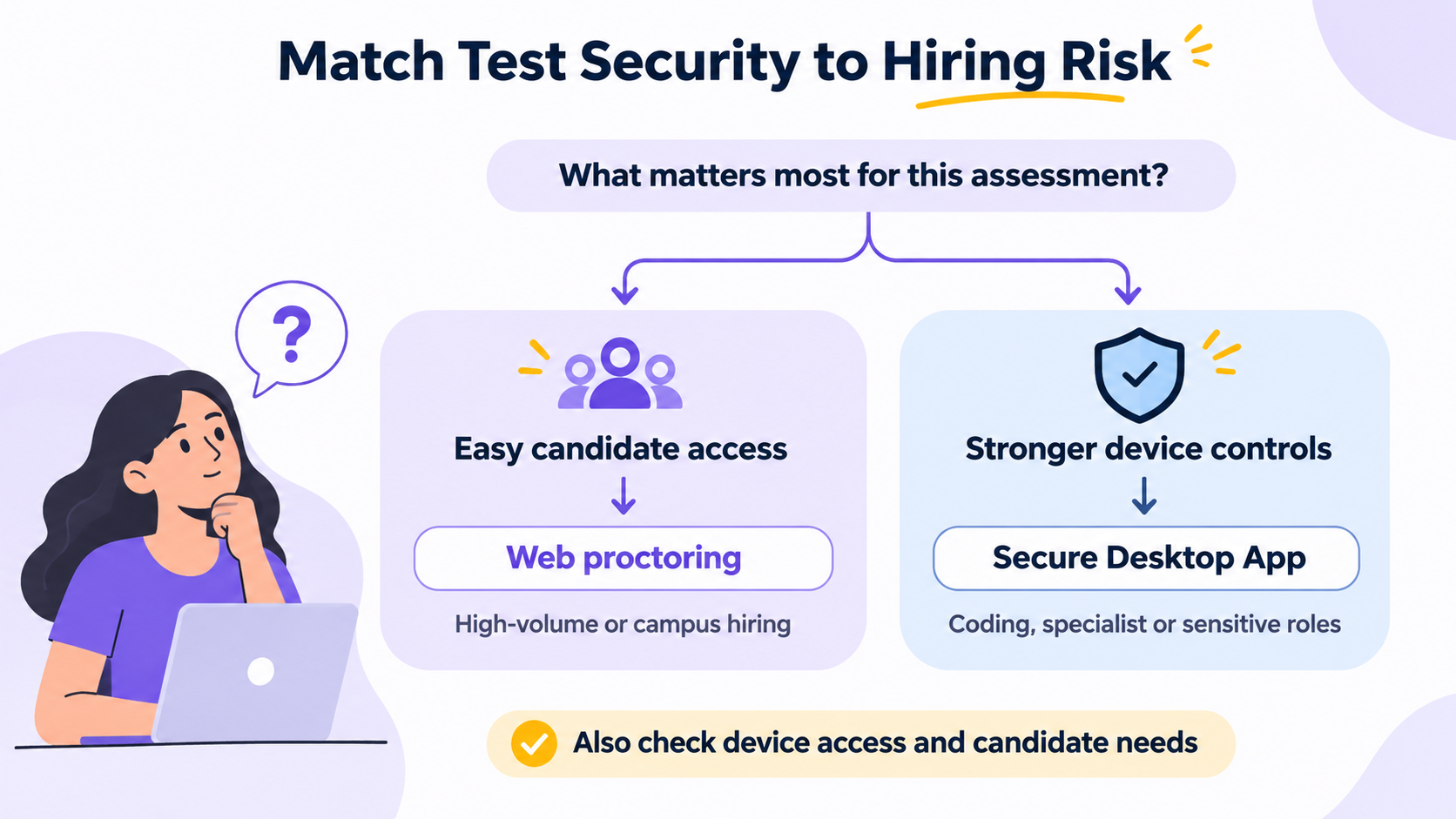
Web proctoring is suitable when candidates should not need to install additional software. This can be useful for campus hiring and high-volume frontline recruitment, where simple assessment access matters.
The Secure Desktop App may be more appropriate for assessments where unauthorised AI assistance could affect score reliability. It offers a more controlled testing environment, helping hiring teams assess candidates' independent capabilities in roles where assessment integrity is particularly important.
Examples include:
- Coding assessments: AI tools such as Cursor and GitHub Copilot can generate code or assist with programming tasks.
- BFSI and compliance roles: Assessment integrity is particularly important where job responsibilities involve sensitive information or regulatory obligations.
- Written assessments: AI tools can generate email responses, case-study answers, and other written submissions.
- Senior and specialist roles: Hiring decisions may involve higher business risks and require stronger evidence of independent capability.
Hiring teams can review PMaps remote proctoring capabilities to understand which monitoring approach aligns with their assessment requirements.
What Should Hiring Teams Do With an AI Flag?
An AI proctoring flag indicates that an assessment event requires attention, not that misconduct has been confirmed. Hiring teams should examine patterns and context before deciding whether intervention is necessary.
A single tab switch may result from an unrelated notification. However, repeated tab switches followed by pasted responses could indicate a pattern worth investigating.
Recruiters should review the event log, examine when suspicious activity occurred, and compare the evidence with the candidate's responses. If concerns remain, a follow-up assessment or structured interview can help verify whether the candidate demonstrates the skills measured in the original test.
The purpose of a proctoring flag is to guide human review, not replace it. Two additional measures can help reduce opportunities for cheating:
- Shuffle questions and answer options: Randomising assessment content makes it harder for candidates to share identical answer sequences or reuse responses from previous attempts.
- Assess job-related behaviour and judgment: Behavioral and situational questions can help evaluate how candidates approach workplace decisions rather than relying entirely on factual recall. AI may still generate plausible responses, so these assessments should use structured scoring and appropriate verification.
The broader risk extends beyond AI-generated answers. Candidates may also misrepresent their qualifications or identities during remote recruitment.
Read AI Hiring Fraud: How Fake Candidates Pass Screening to understand these risks and the importance of measuring job-related capabilities.