Free PDFAssessment Report Review Checklist

From Score → to Action

Six checks that show whether an assessment report tells a manager what was measured, where the person stands and what to do next.
Get the checklist
  • 1-page A4
  • 5-minute review
  • Manager tool
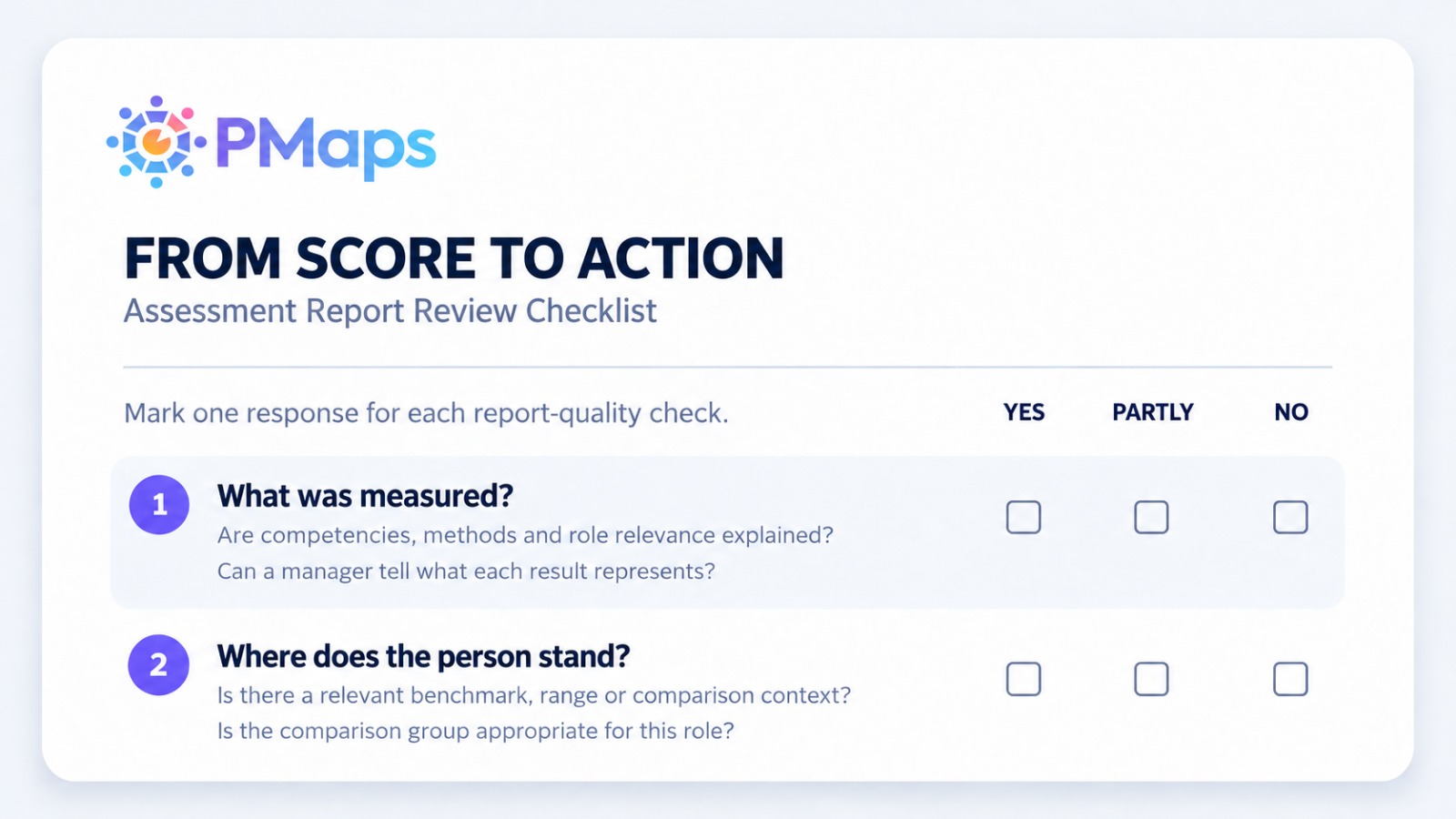
Preview of the From Score to Action one-page checklist
1 next step

Try it on a report

Mark one response for each check

Open a report you received recently and run through the six checks. The example answers below show how a review reads; change any of them.

Clear answers
1

What was measured?

Are competencies, methods and role relevance explained, so a manager can tell what each result represents?

YESPARTLYNO
2

Where does the person stand?

Is there a relevant benchmark, range or comparison group, and is it appropriate for this role?

YESPARTLYNO
3

What differentiates the individual?

Does the report show specific strengths, gaps and patterns, or could similar totals be read differently?

YESPARTLYNO
4

What is the role implication?

Are findings linked to actual work or development needs, and supported by the evidence?

YESPARTLYNO
5

What should the manager do next?

Does the report suggest a realistic conversation or action, with one useful next step?

YESPARTLYNO
6

What should not be inferred?

Are limitations and uncertainty described, with a warning against unsupported conclusions?

YESPARTLYNO
Yes 0Partly 0No 0

Mark each check to see where to start.

Get the printable PDF

Download

Take it into your next report review

A one-page sheet your managers can fill in by hand, with space to record totals, the first improvement and who owns it.

  • ✓Six report-quality checks, each with two prompts to guide the answer
  • ✓Yes / Partly / No scoring that shows where a report falls short
  • ✓One-action summary with first improvement, owner and next review

Review aid only. Combine assessment evidence with role context and human judgement.

Download the checklist

Enter your details and the PDF downloads straight away.

Free · One-page PDF · 63 KB

Thank you! Your submission has been received!
Oops! Something went wrong while submitting the form.
Get a callback
Purple circular button with a white 'X' symbol in the center indicating close or cancel.

Get a Callback

Need support? Fill out the form and we'll get back to you shortly.

Get a Callback

Need support? Fill out the form and we'll get back to you shortly.

Valid number

Thank you!

Thank you! Your submission has been received!
You can check submitted datas from "Project Settings".
Oops! Something went wrong while submitting the form.
✓ Valid number